Evidence · Method and limitations
Our video outpainting tests. Inspect the evidence.
Three sources, three completed jobs and the files needed to review them. This is a small demonstration set, not a comparative benchmark or customer study.
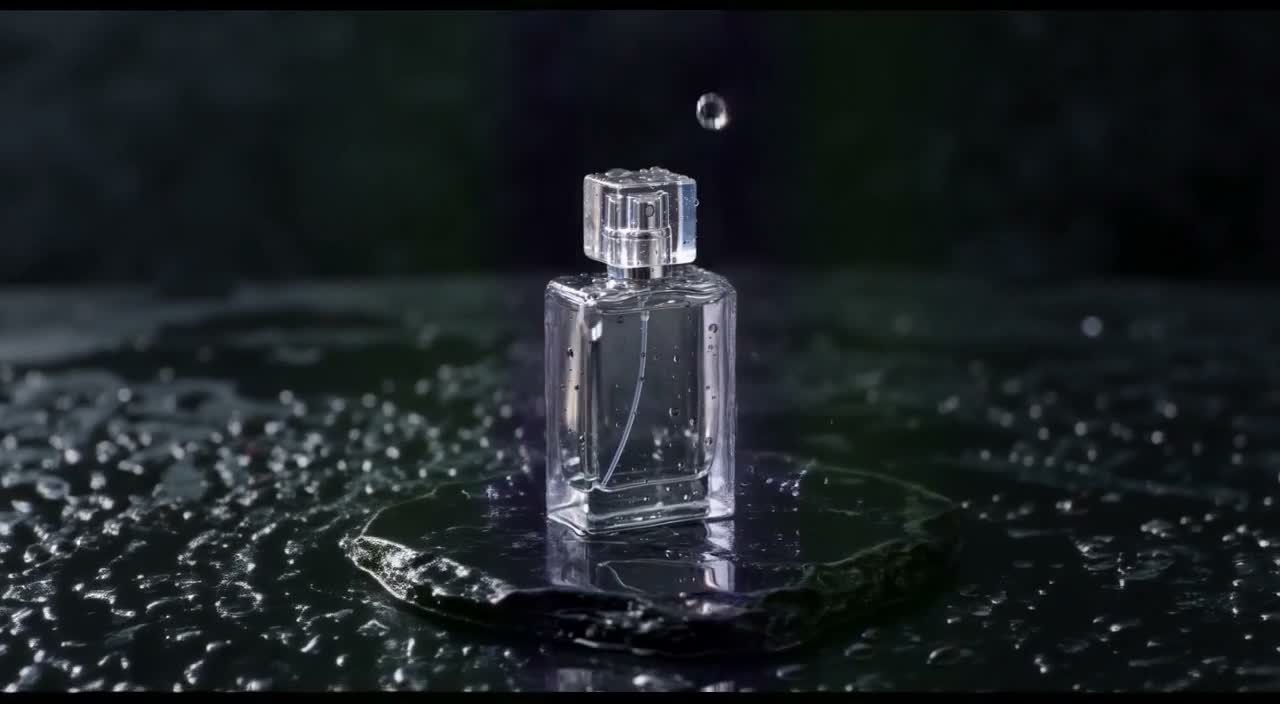
Product: portrait source to landscape output5.04s · 16:9 · 720p2026-10-07
01
How were these video outpainting examples tested?
We submitted three existing AI-generated clips through the fixed fal LTX 2.3 outpaint preset: a bottle, an ocean scene and a moving horse. Each returned one playable MP4. We checked encoded dimensions, frames, audio tracks and visible changes, then published the sources and outputs for independent inspection. Three completed examples do not establish reliability on other footage or superiority over another service.
02
A reproducible inspection sequence
Open the source and returned file
Use the playable pairs below or open their MP4 links. Preserve their native aspect ratios; stretching a frame can hide the difference between reframing and synthesis.
Check the fixed generation input
Read the public evidence manifest: 121 frames, 24 fps, source scale 1, video strength 1, nominal 720p and audio disabled. The source URLs and provider request references identify the recorded jobs.
Inspect metadata and full-frame extracts
An MP4 stream inspection found H.264 video with 121 frames. The landscape result is 1280×704; portrait results are 704×1280. The JPEGs below are full-frame extracts, not cropped or enhanced images.
Watch the complete motion
Follow the bottle silhouette, the horizon and waves, and the horse’s body and legs. Check the newly generated regions and detail inside the source region. Isolated attractive frames are insufficient evidence.
03
The small demonstration set
| Scene | Source → result | Review focus |
|---|---|---|
| Bottle | 720×1280 → 1280×704 | Outline, cap, reflections, low-contrast background. No branded label was tested. |
| Shoreline | 1280×720 → 704×1280 | Horizon, wave motion and generated sky/foreground. Unseen scenery is synthesized. |
| Horse | 1280×720 → 704×1280 | Body and leg changes, tracking, soft detail and visible corner artifacts. |
All three results completed and decoded. This is a selected, small set of generated inputs; it does not measure a typical user’s success rate or support a numerical quality ranking.
04
Unbranded bottle: source and outpainted result
Play both complete clips. The source is AI-generated footage from our own published library, not a customer case or camera recording. Source clips contain generated audio; the outpainted results are silent. These are individual jobs, not a success-rate benchmark.
Unbranded bottle · source
Original 720×1280 source, about 5.04 seconds, 30 fps with generated audio. It is shown at its native aspect ratio.
Open media fileOriginal Wan3Prime source fileUnbranded bottle · outpainted result
1280×704, 121 frames at 24 fps, silent. Inspect the original subject as well as the added environment. The source region can change; no exact-pixel preservation is promised.
Open media fileParameters and recorded-job manifest05
Compare a frame around 2.5 seconds
These JPEGs were extracted from the displayed MP4s on October 9, 2026. They retain the complete frame: no retouching, AI enhancement or concealed cropping. The different frame rates mean this is an approximate time comparison, not a pixel-aligned difference measurement.
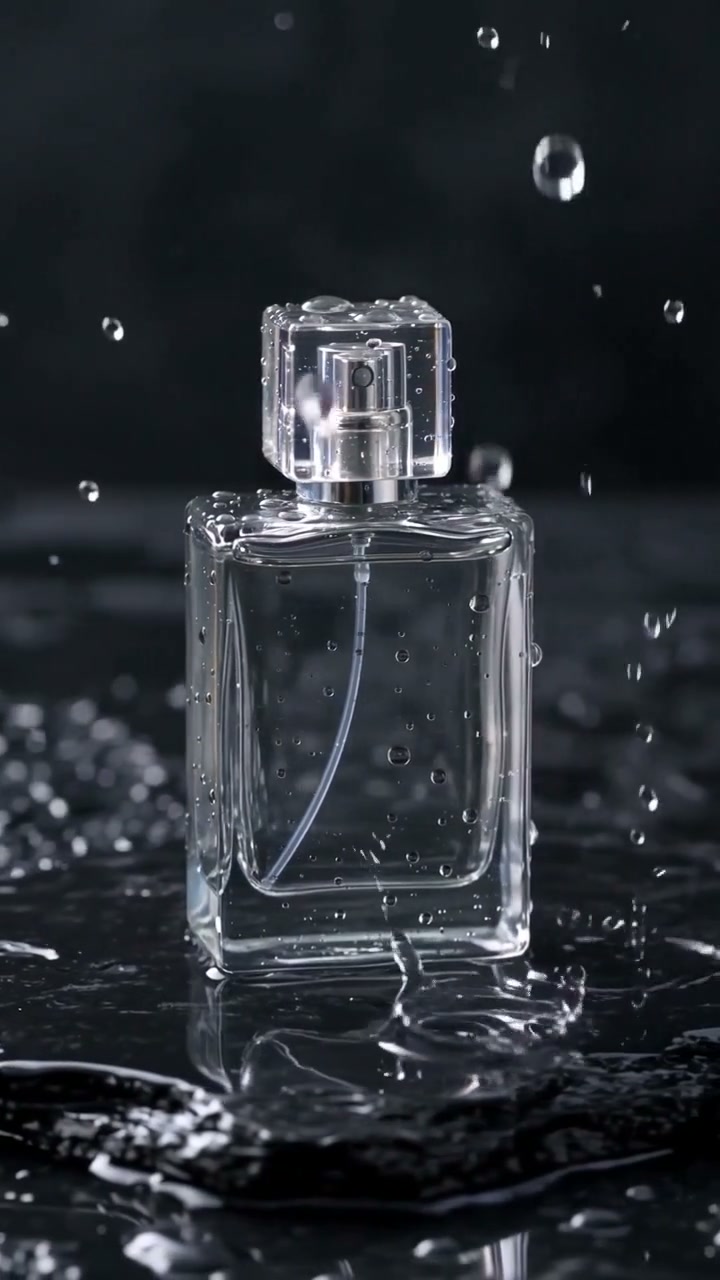
Unbranded bottle · source at approximately 2.5 s
Source frame. Use it to inspect the subject, lighting and composition before expansion.
Open media file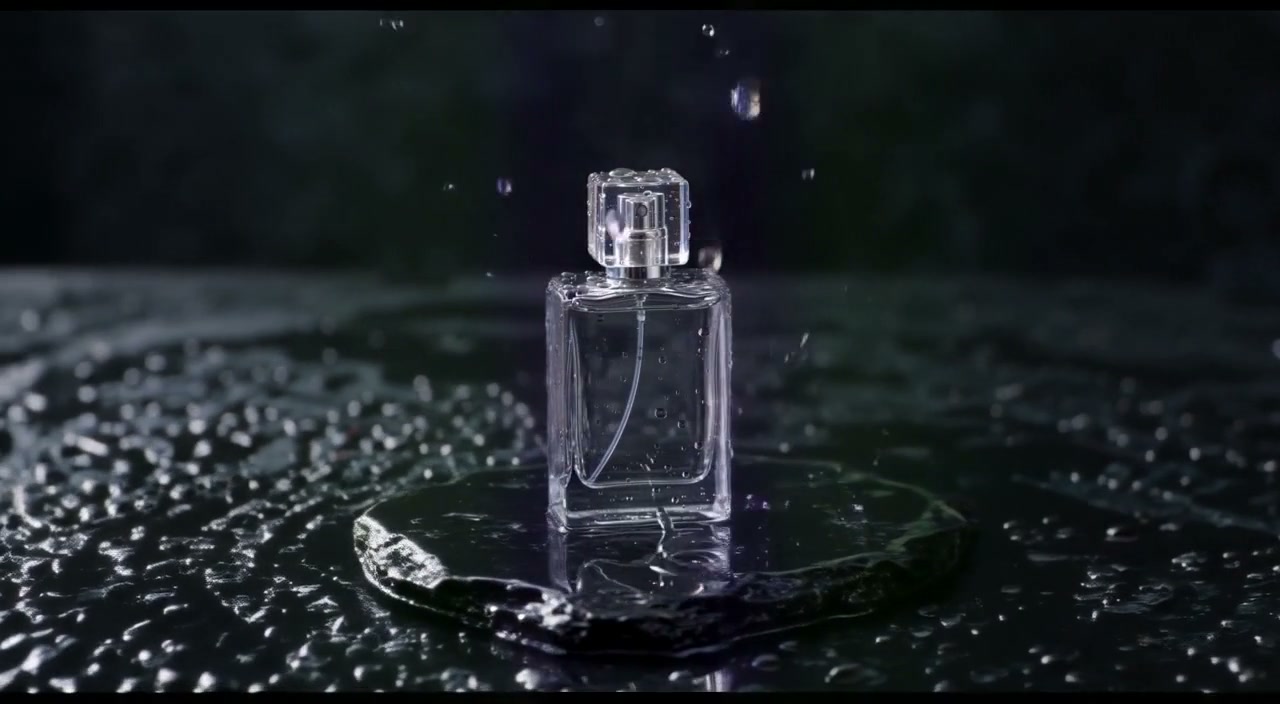
Unbranded bottle · result at approximately 2.5 s
Result frame. New space and changes inside the supplied image region are both part of the generated output.
Open media file06
Unbranded bottle: inspect the beginning and ending
Two full-frame extracts provide quick inspection points. Watch the playable video too; two stills cannot establish temporal consistency.
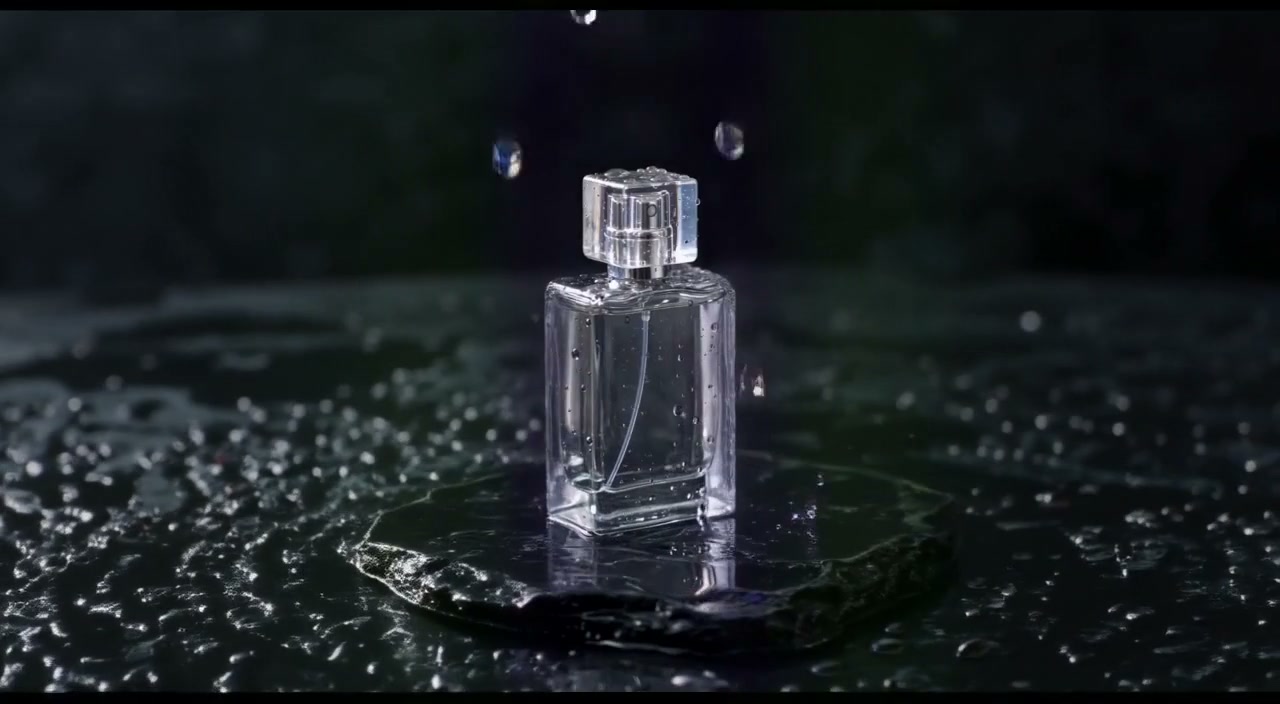
Result at approximately 0.5 s
Extracted from the actual output at approximately 0.5 seconds. Look for changing outlines, subject detail and artifacts near the expanded edges.
Open media file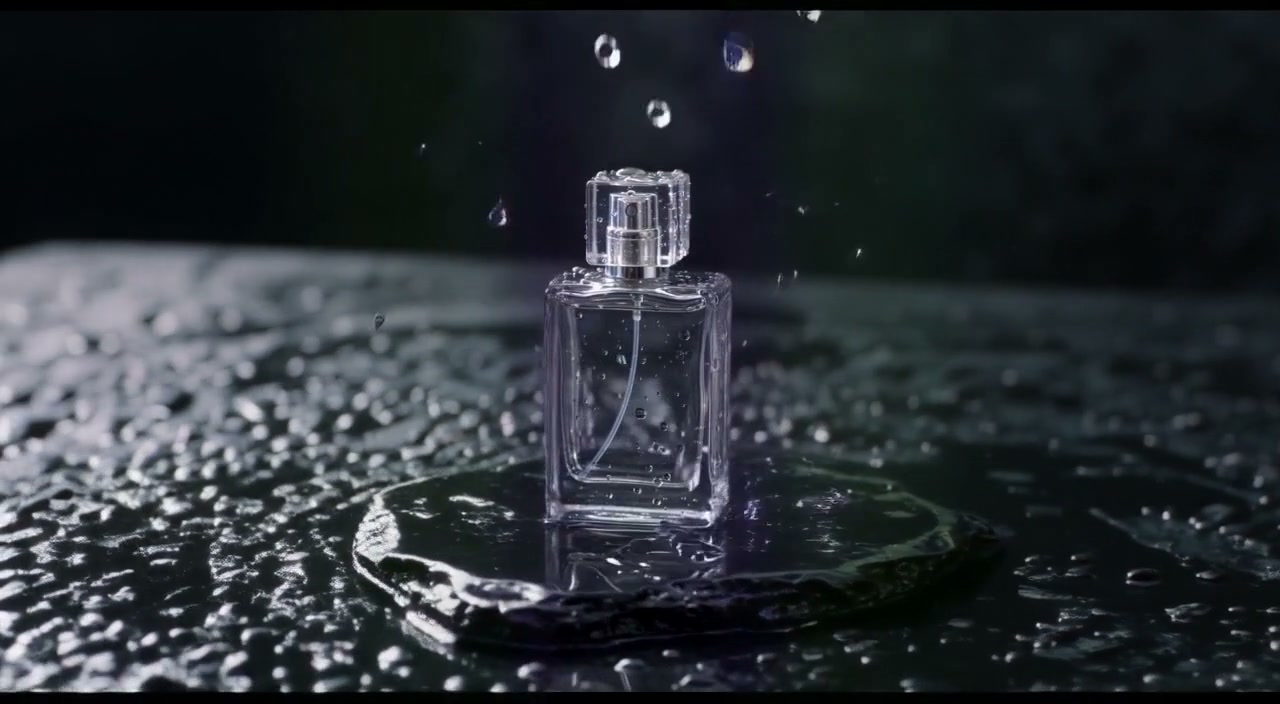
Result at approximately 4.5 s
Extracted from the actual output at approximately 4.5 seconds. Look for changing outlines, subject detail and artifacts near the expanded edges.
Open media file07
Volcanic shoreline: source and outpainted result
Play both complete clips. The source is AI-generated footage from our own published library, not a customer case or camera recording. Source clips contain generated audio; the outpainted results are silent. These are individual jobs, not a success-rate benchmark.
Volcanic shoreline · source
Original 1280×720 source, about 5.04 seconds, 30 fps with generated audio. It is shown at its native aspect ratio.
Open media fileOriginal Wan3Prime source fileVolcanic shoreline · outpainted result
704×1280, 121 frames at 24 fps, silent. Inspect the original subject as well as the added environment. The source region can change; no exact-pixel preservation is promised.
Open media fileParameters and recorded-job manifest08
Compare a frame around 2.5 seconds
These JPEGs were extracted from the displayed MP4s on October 9, 2026. They retain the complete frame: no retouching, AI enhancement or concealed cropping. The different frame rates mean this is an approximate time comparison, not a pixel-aligned difference measurement.
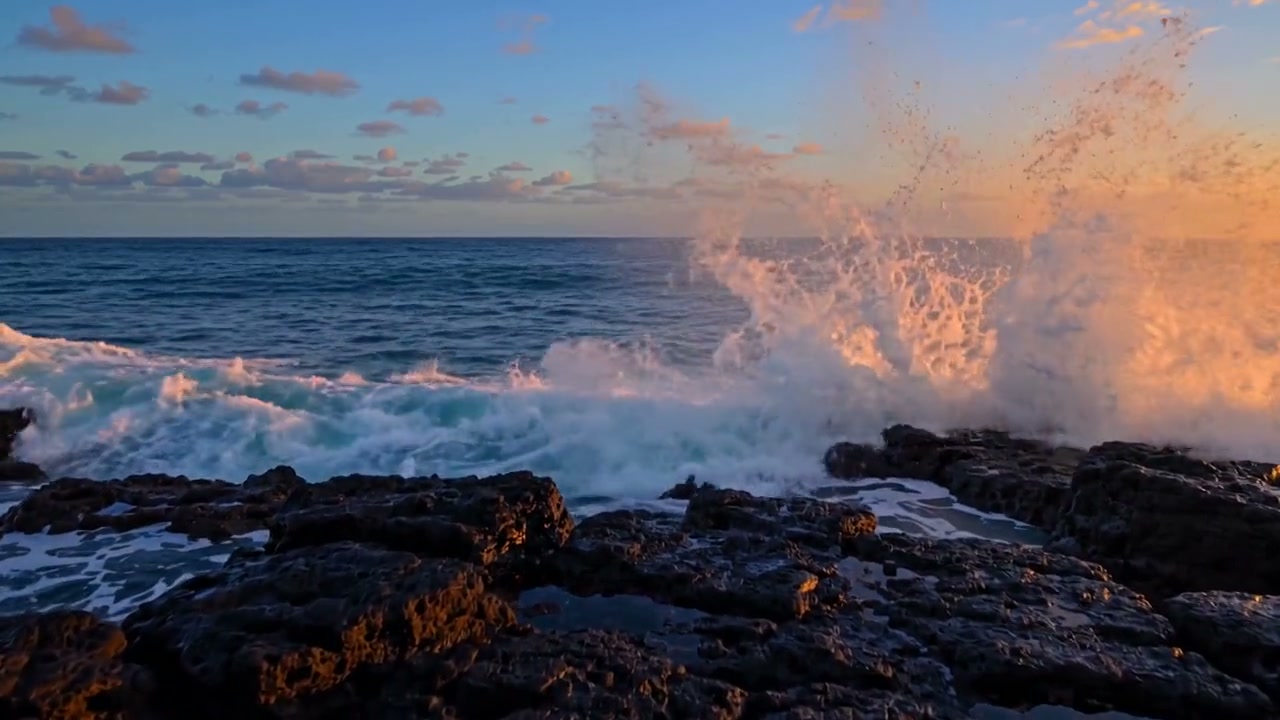
Volcanic shoreline · source at approximately 2.5 s
Source frame. Use it to inspect the subject, lighting and composition before expansion.
Open media file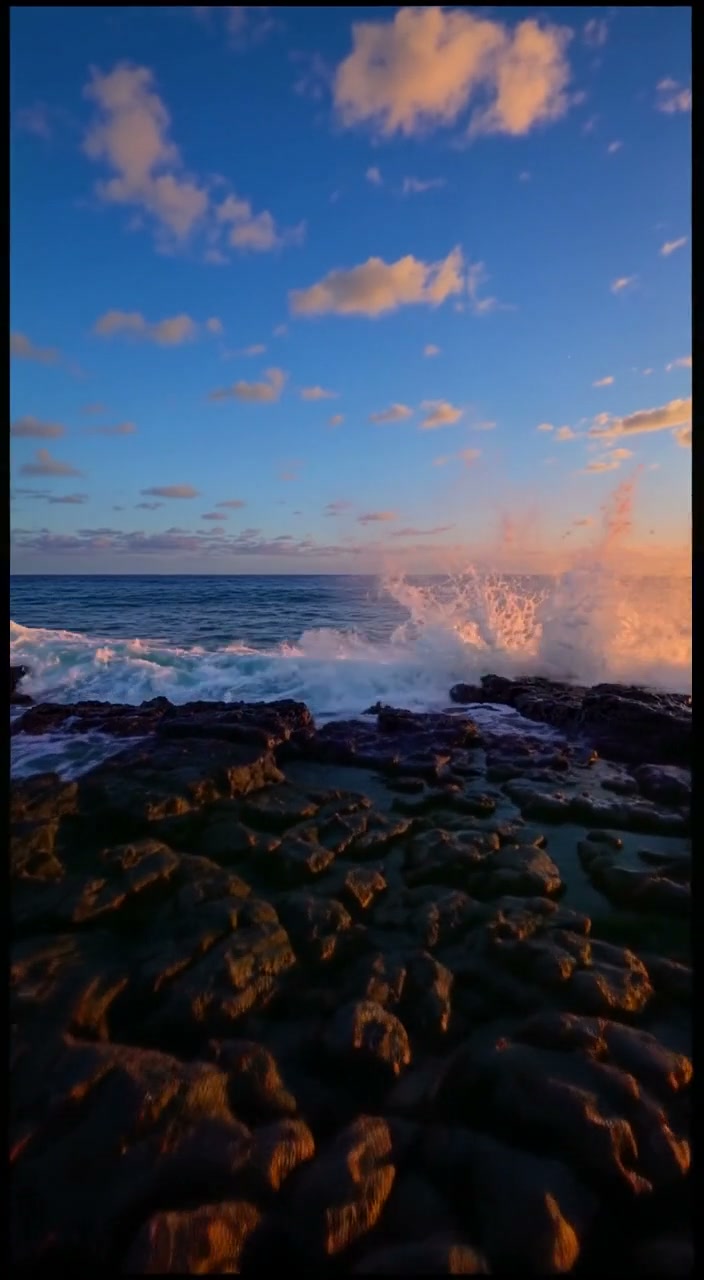
Volcanic shoreline · result at approximately 2.5 s
Result frame. New space and changes inside the supplied image region are both part of the generated output.
Open media file09
Volcanic shoreline: inspect the beginning and ending
Two full-frame extracts provide quick inspection points. Watch the playable video too; two stills cannot establish temporal consistency.
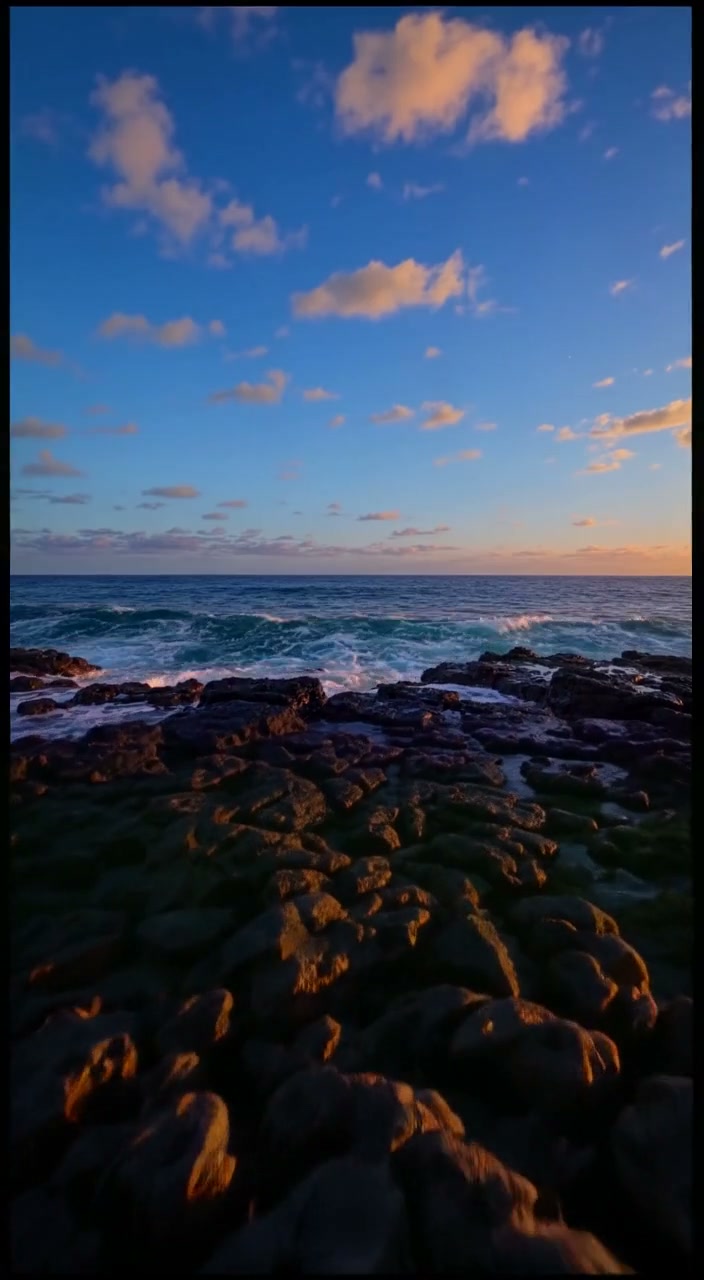
Result at approximately 0.5 s
Extracted from the actual output at approximately 0.5 seconds. Look for changing outlines, subject detail and artifacts near the expanded edges.
Open media file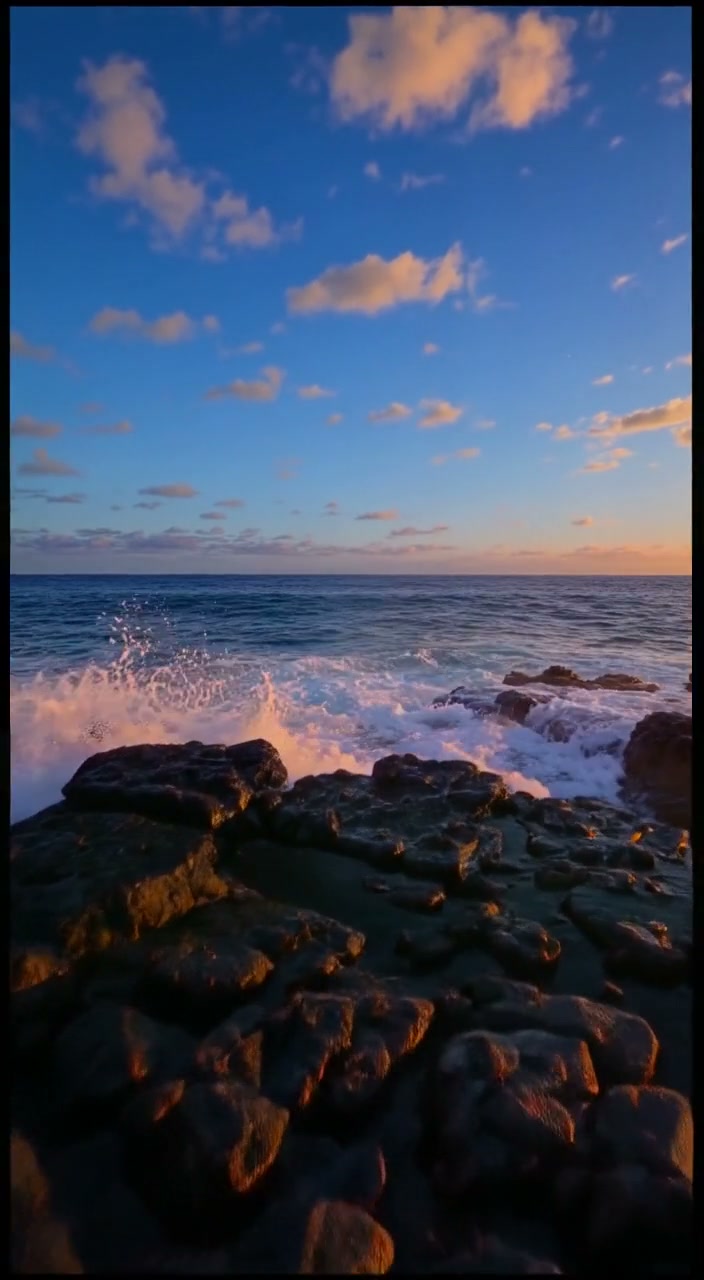
Result at approximately 4.5 s
Extracted from the actual output at approximately 4.5 seconds. Look for changing outlines, subject detail and artifacts near the expanded edges.
Open media file10
Moving horse: source and outpainted result
Play both complete clips. The source is AI-generated footage from our own published library, not a customer case or camera recording. Source clips contain generated audio; the outpainted results are silent. These are individual jobs, not a success-rate benchmark.
Moving horse · source
Original 1280×720 source, about 5.04 seconds, 30 fps with generated audio. It is shown at its native aspect ratio.
Open media fileOriginal Wan3Prime source fileMoving horse · outpainted result
704×1280, 121 frames at 24 fps, silent. Inspect the original subject as well as the added environment. The source region can change; no exact-pixel preservation is promised.
Open media fileParameters and recorded-job manifest11
Compare a frame around 2.5 seconds
These JPEGs were extracted from the displayed MP4s on October 9, 2026. They retain the complete frame: no retouching, AI enhancement or concealed cropping. The different frame rates mean this is an approximate time comparison, not a pixel-aligned difference measurement.
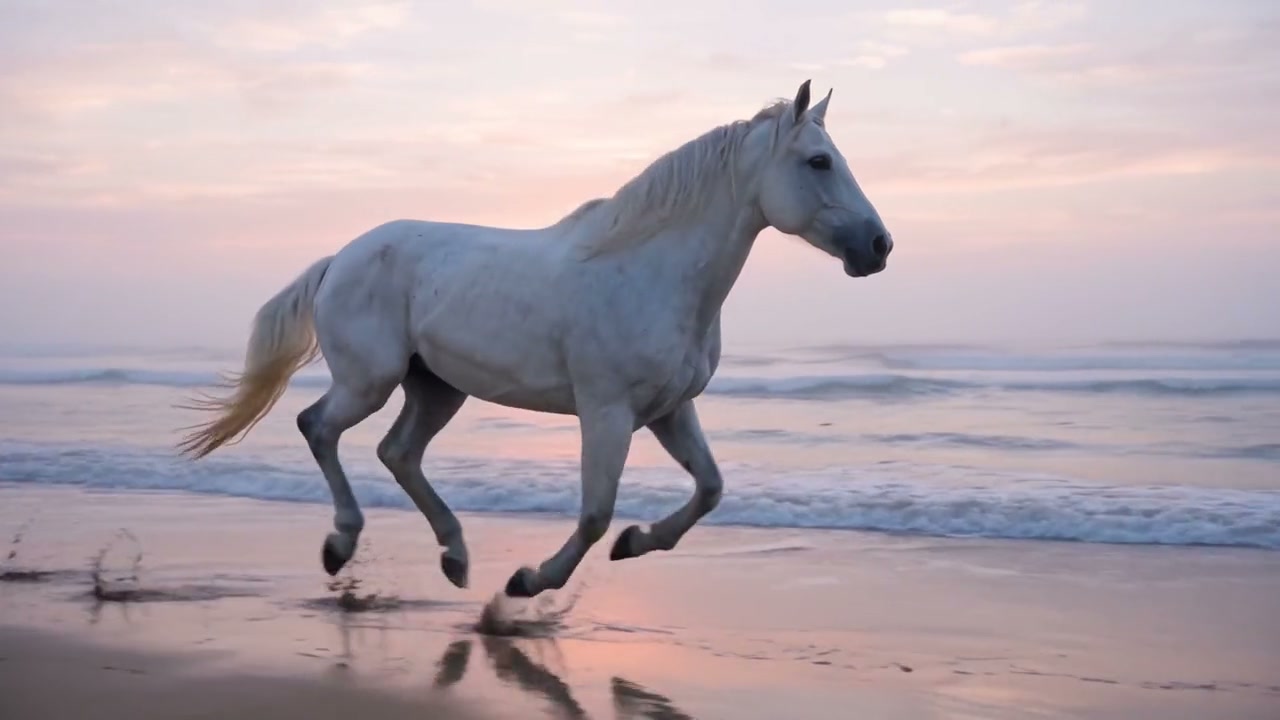
Moving horse · source at approximately 2.5 s
Source frame. Use it to inspect the subject, lighting and composition before expansion.
Open media file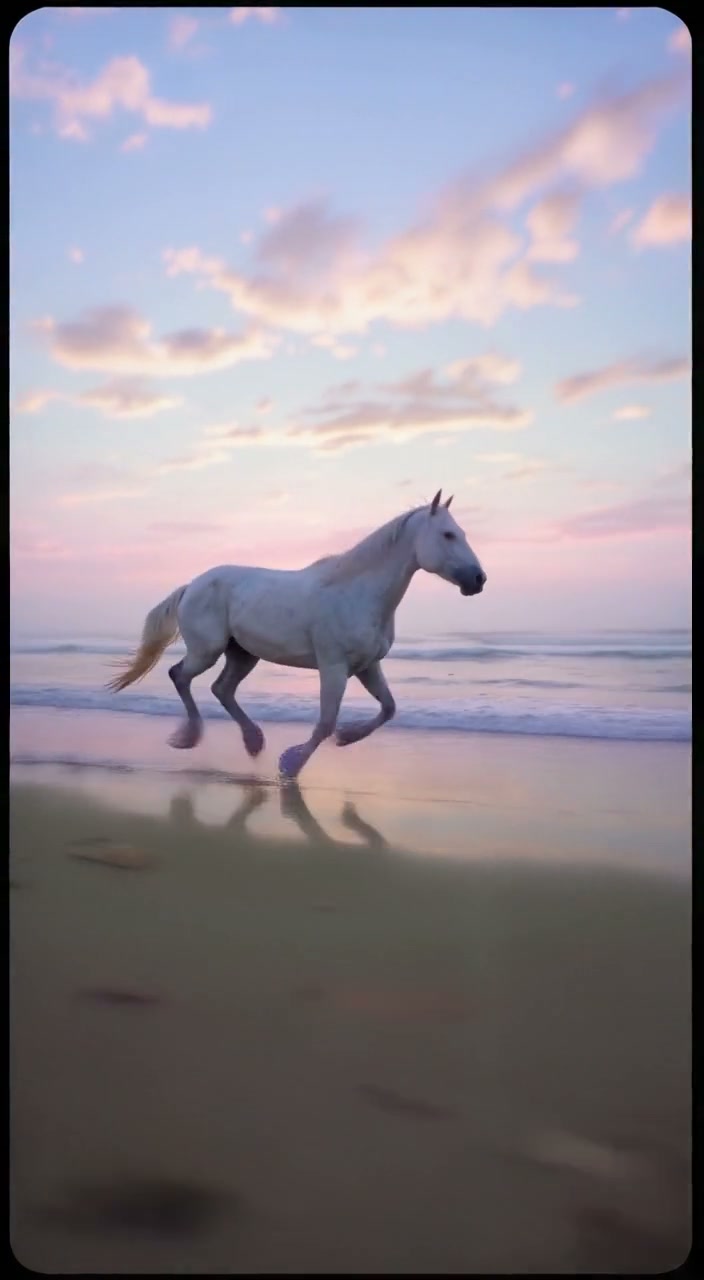
Moving horse · result at approximately 2.5 s
Result frame. New space and changes inside the supplied image region are both part of the generated output.
Open media file12
Moving horse: inspect the beginning and ending
Two full-frame extracts provide quick inspection points. Watch the playable video too; two stills cannot establish temporal consistency.
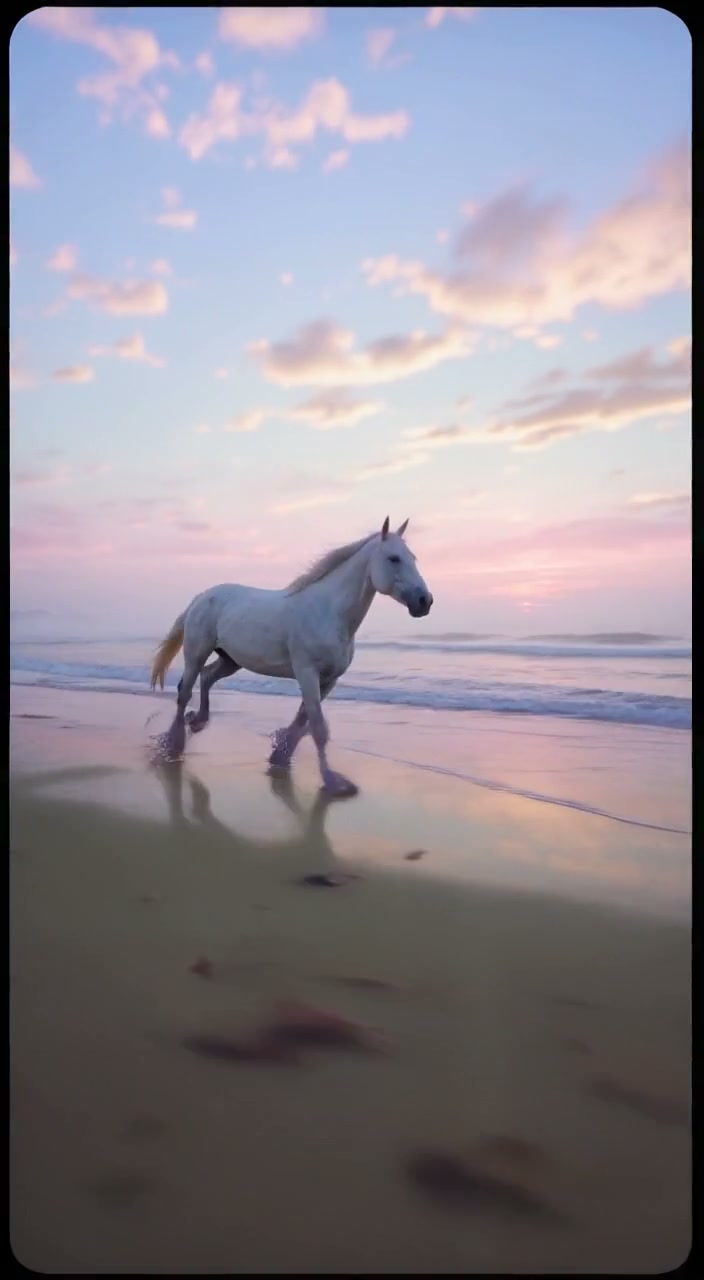
Result at approximately 0.5 s
Extracted from the actual output at approximately 0.5 seconds. Look for changing outlines, subject detail and artifacts near the expanded edges.
Open media file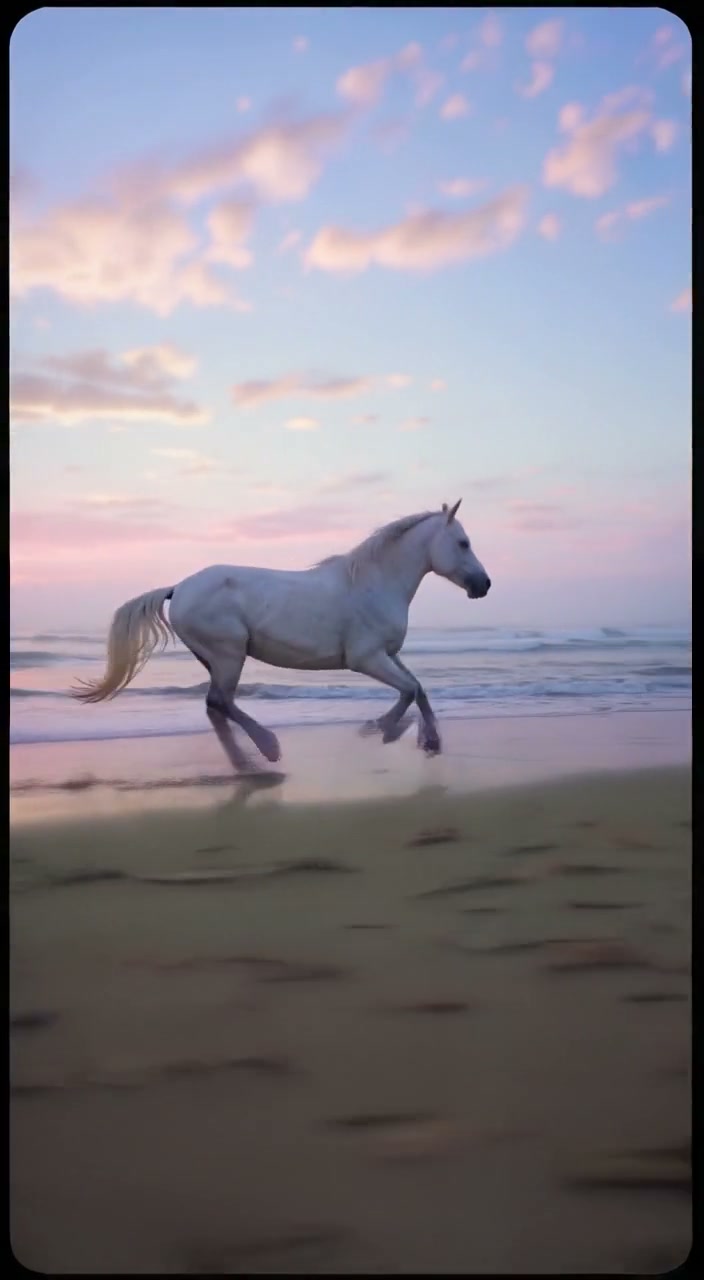
Result at approximately 4.5 s
Extracted from the actual output at approximately 4.5 seconds. Look for changing outlines, subject detail and artifacts near the expanded edges.
Open media file13
Who provides the evidence and what was not measured
Cicadas operates this independent site and the Wan3Prime processing service. The displayed source clips were generated for our own library with Wan 3.0 Prime. The outpainting jobs used Lightricks’ LTX 2.3 through fal. The model owners and provider are separate organizations from this site’s publisher.
The outpainting jobs completed on October 7 UTC (October 8 in Asia/Shanghai). Their MP4 metadata and visual observations were reviewed on October 8; the additional frame extracts were prepared on October 9. Generation timestamps and request references appear in the manifest.
We did not run competing services on the same inputs, measure a success rate, validate exact pixel preservation, test branded lettering, or verify the supplier invoice. No speed or “best quality” claim is inferred from this demonstration.
A completed visual result remains charged even if you decide not to use it. The processing service’s failed-job credit return is separate from a bank-card refund. The existing purchase/credit code was checked locally; these samples do not prove a real-card checkout or refund.
Send reproducible corrections with the page URL and sample name to support@cicadas.ai. We can update an observation when a visible error is identified; we do not need your private source footage for a report about these public samples.
14
Questions about the tests
Are the sources real camera footage?
No. All three sources are our own AI-generated clips. They are disclosed as generated inputs and do not represent customer projects or camera recordings.
Were the screenshots enhanced to look better?
No. The frame assets are full-frame JPEG extracts from the published MP4s. They were not retouched, upscaled with AI or cropped to hide edge artifacts.
Does completion of three jobs prove high reliability?
No. The set is too small and selected to measure a general success rate. Other inputs, especially faces, precise text and cuts, require their own evaluation.
Do these results show that the site beats competing tools?
No paid comparative test was performed. The evidence is available to review, but no ranking or superiority result is claimed.
15
Sources and practical next steps
The fal API documentation describes the model interface; the recorded-job manifest describes our narrower preset and returned files. Read current input preparation and outpainting limitations before submitting your own clip.
For a closer task match, use the product guide, moving-subject review, or crop and padding comparison. Actual uploads, accounts, credit quotes and Stripe purchases are handled in the Wan3Prime outpainting workspace.