Video outpainting · Independent tool
Vertical video, a wider frame.
Generate space to the left and right of a portrait clip. This is useful when a square or vertical source needs a landscape presentation.
Accounts, credits and video processing are provided at Wan3Prime.
Open processing workspace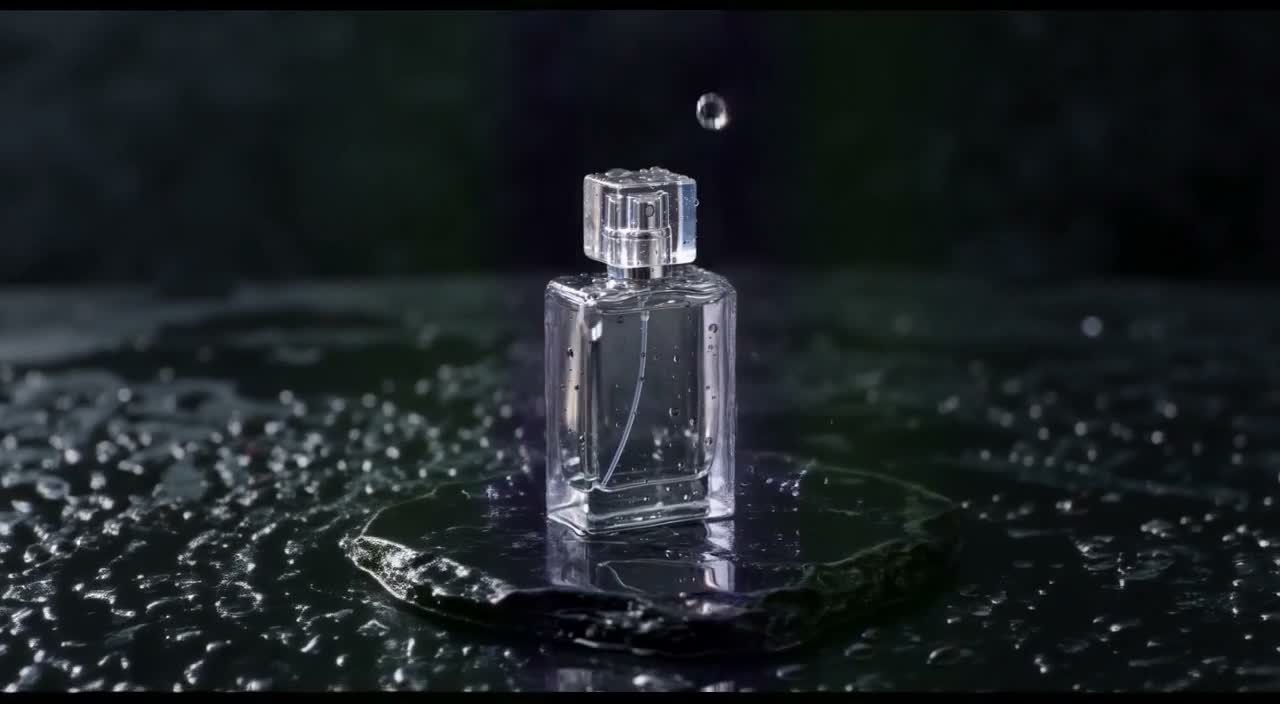
Product: portrait source to landscape output5.04s · 16:9 · 720p2026-10-07
01
Can AI make a portrait video wider?
A video outpainting model can fit a portrait source into a landscape canvas and generate the missing surroundings on either side. You provide the source clip and a description of the background. This release offers 16:9 output for short MP4 footage. Product labels, reflective surfaces and moving subjects still need inspection because generative edits can alter the original region.
02
Unbranded bottle: source and outpainted result
Play both complete clips. The source is AI-generated footage from our own published library, not a customer case or camera recording. Source clips contain generated audio; the outpainted results are silent. These are individual jobs, not a success-rate benchmark.
Unbranded bottle · source
Original 720×1280 source, about 5.04 seconds, 30 fps with generated audio. It is shown at its native aspect ratio.
Open media fileOriginal Wan3Prime source fileUnbranded bottle · outpainted result
1280×704, 121 frames at 24 fps, silent. Inspect the original subject as well as the added environment. The source region can change; no exact-pixel preservation is promised.
Open media fileParameters and recorded-job manifest03
Compare a frame around 2.5 seconds
These JPEGs were extracted from the displayed MP4s on October 9, 2026. They retain the complete frame: no retouching, AI enhancement or concealed cropping. The different frame rates mean this is an approximate time comparison, not a pixel-aligned difference measurement.
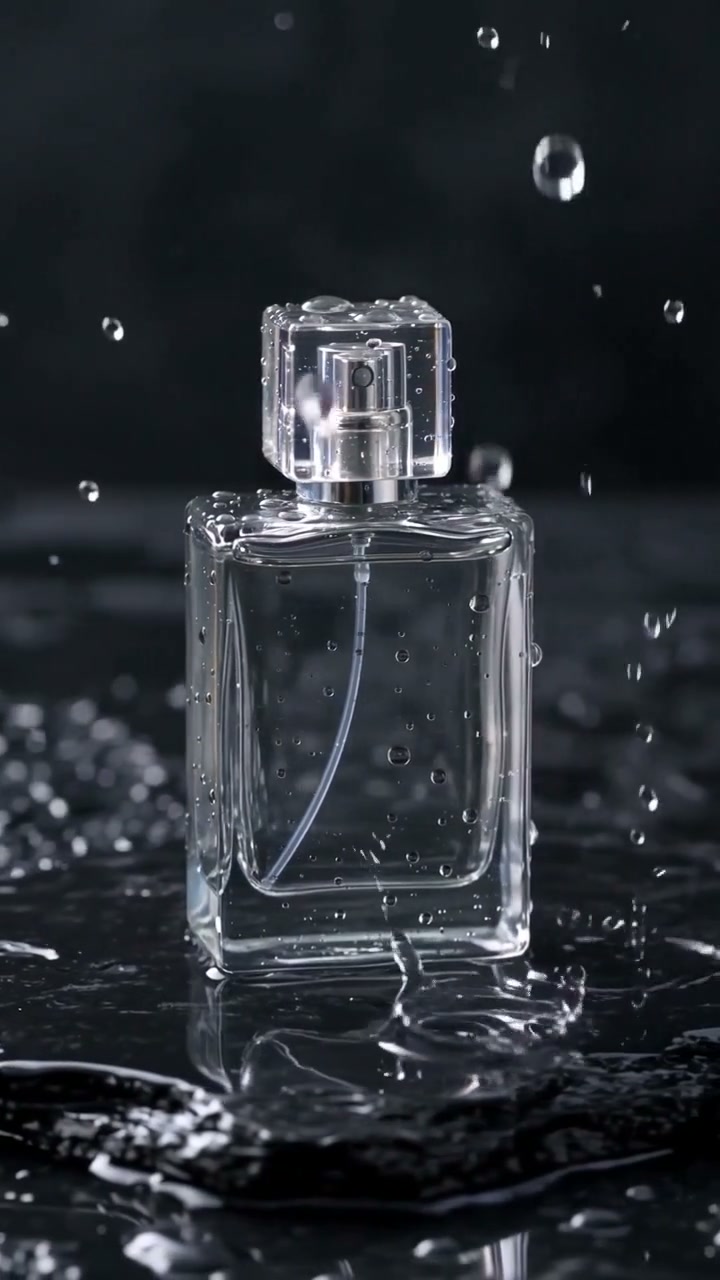
Unbranded bottle · source at approximately 2.5 s
Source frame. Use it to inspect the subject, lighting and composition before expansion.
Open media file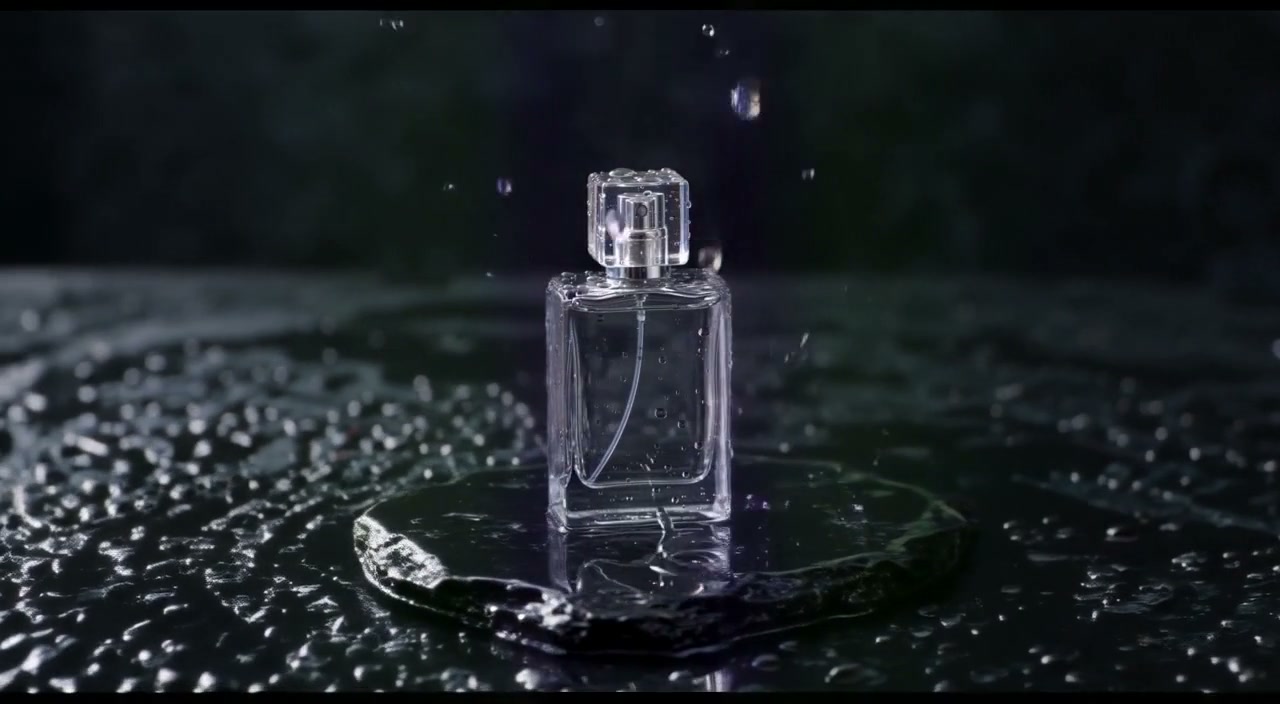
Unbranded bottle · result at approximately 2.5 s
Result frame. New space and changes inside the supplied image region are both part of the generated output.
Open media file04
Prepare the source for a wider composition
Trim to a single continuous shot of no more than five seconds, then compress below 4 MB. Avoid rapid cuts and camera moves until you have tested a simpler clip.
Describe what already surrounds the subject: a dark studio wall, a tabletop, an ocean horizon. Keep lighting direction and perspective in the prompt. Do not promise that a logo or fine lettering will survive unchanged.
The product sample returned 1280×704 with a wider dark setting and moving drops. Fine bottle details still need inspection. A completed sample is not a guarantee for other products. Use the source preview and output playback to evaluate your own footage. Compare outpainting with crop and bars.
05
Expand a video in four steps
Open the processing workspace
Use your Wan3Prime account. Open video outpainting. Accounts and credits are shared with its other supported tasks.
Upload a short MP4
Use a trimmed clip up to 5 seconds and 4 MB. The source preview shows its dimensions. Choose a different output shape: landscape or portrait.
Describe the missing surroundings
Describe the background and lighting that should continue outside the frame. Review the fixed 70-credit quote before submitting. If needed, buy credits and return to this workspace.
Review and download
Watch the original and result, inspect the beginning and end for flicker or distorted subjects, then download the silent MP4. Failed processing returns credits automatically.
06
Landscape output questions
Can I make a vertical video horizontal without stretching it?
Outpainting fits the source into a wider composition and generates surroundings. It does not rely on stretching as a conventional resize would, but it can still alter detail in the source region.
Will the subject be exactly centered?
The app uses a fixed source-fitting preset and does not expose custom positioning. Inspect the result before designing a layout that depends on exact placement.
Can the added sides contain accurate text or a logo?
This workflow does not promise accurate new lettering. Add approved text and brand assets in an editor after reviewing the silent MP4.
Can I request a custom ultrawide canvas?
Not in this release. The workspace exposes portrait or landscape at one nominal resolution; it does not expose every aspect ratio in the provider API.
07
Choose your next step
Prepare the file with the MP4 input guide, then inspect the fixed output budget, silent audio and preservation limits.
For a specific source, review the product example or moving-subject example. Processing and the 70-credit quote appear in the Wan3Prime workspace.
08
Check the evidence behind these examples
Inspect the source videos, returned files and full-frame test extracts. The public methodology identifies the preset, individual jobs, publisher and observations so you can review the evidence directly.